How to Pay an Outstanding Invoice
Last updated: September 4, 2026
If your Terminal49 billing portal shows an outstanding balance or an unpaid invoice, you can pay it directly through Stripe without contacting support.
How to Pay
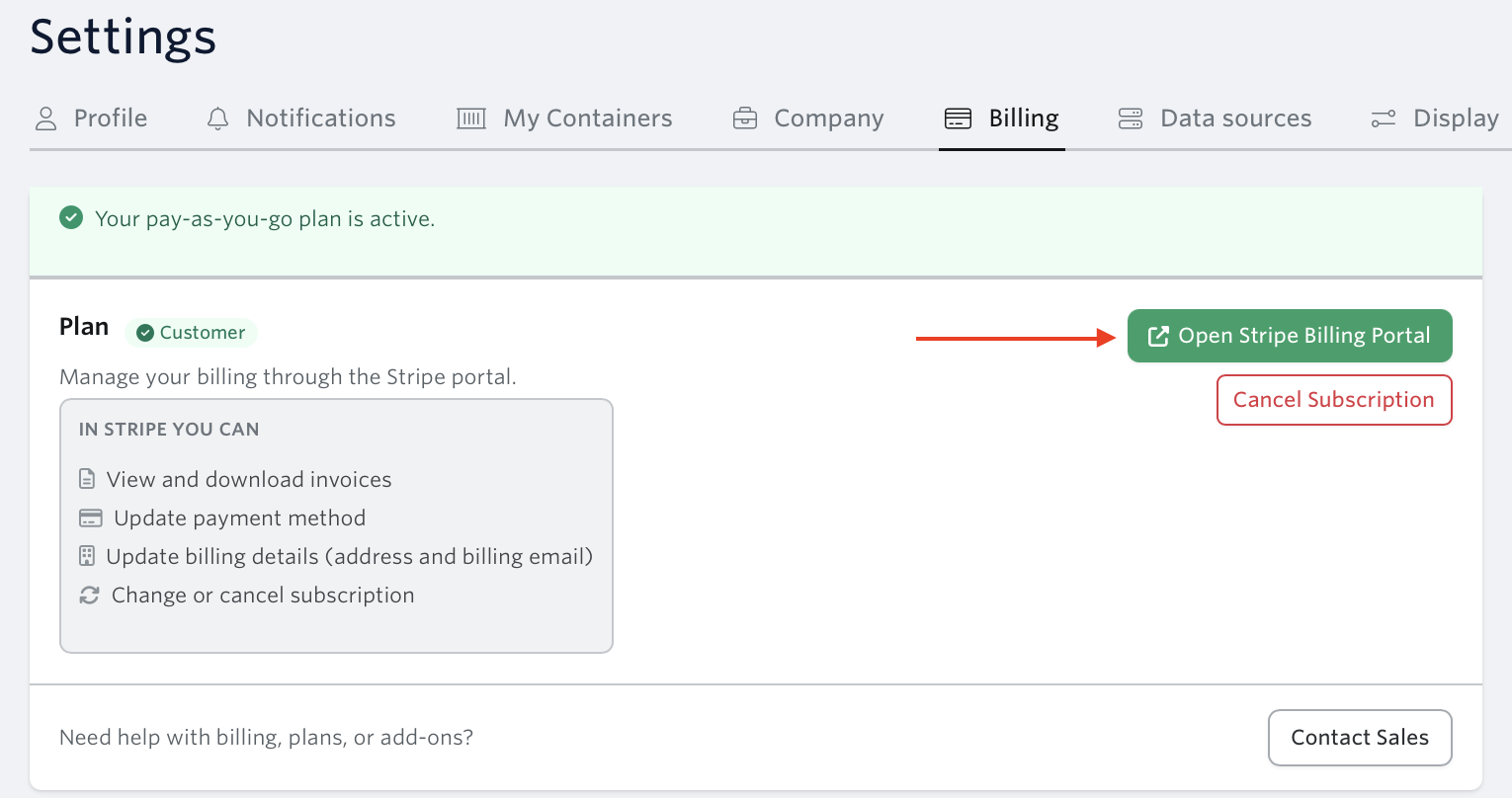
Go to Settings → Billing or navigate directly to app.terminal49.com/settings/billing
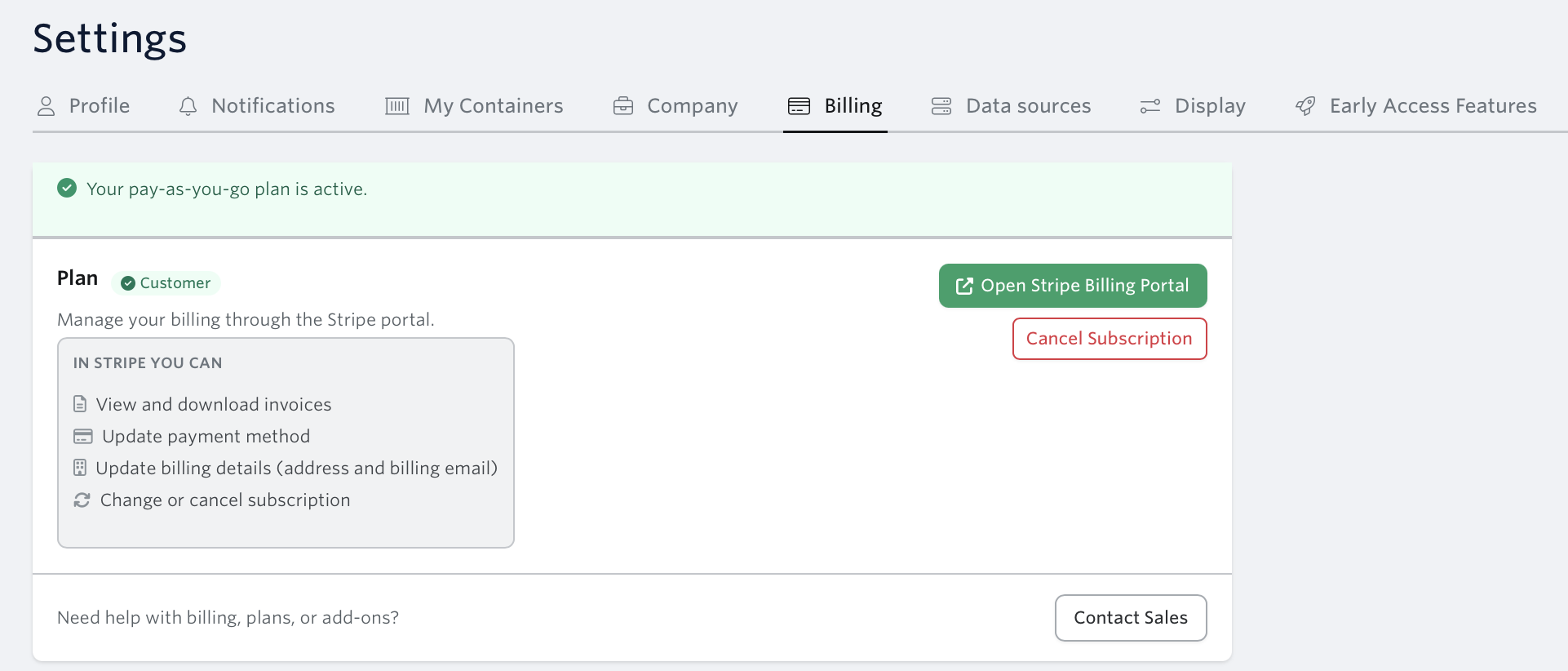
Click Open Stripe Billing Portal
Under Current Subscription, locate the invoice showing Amount due
Click Pay amount due
Enter or confirm your payment method and complete the payment
Once payment is processed, your invoice status will change to 'Paid' and a receipt will be sent to your billing email.
No Payment Method on File?
If the portal shows "No payment method", you'll need to add one before paying:
In the billing portal, click + Add payment method
Enter your card or bank details
Save the payment method, then return to the invoice to complete payment
For more on managing your payment method, see How to Update Your Payment Method or Credit Card.
Need help?
If you're having issues in processing your payment , contact us at support@terminal49.com. Make sure you have an access to your Terminal49 account so you have full portal access.