How To Log In
Last updated: January 22, 2026
Log In:
Note: If you've been invited to join a Terminal49 account, you must first click the invitation link in your email to accept the invite before you can log in. If you try to log in without accepting the invitation first, you'll see a "User with that email does not exist" error.
Go to Terminal49.com
Click on Sign In on the top, right-hand corner of the page

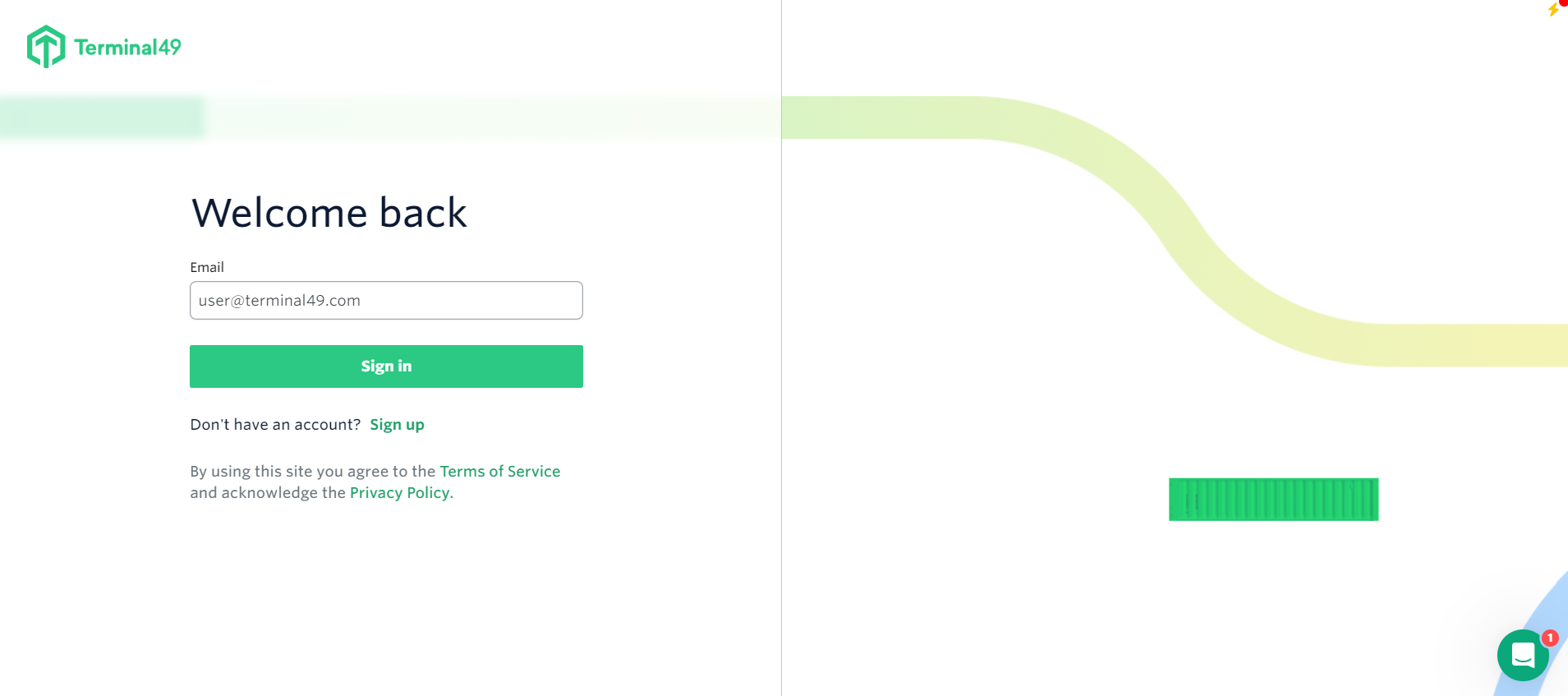
Enter your email address
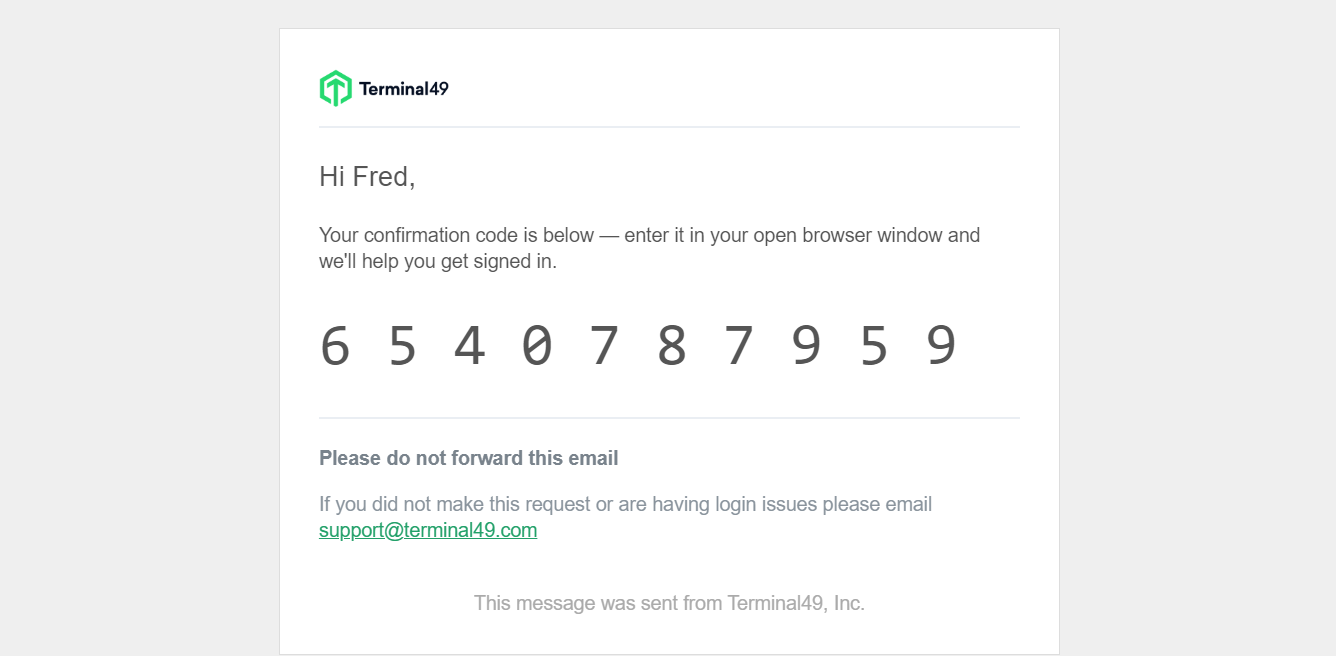
Enter the verification code that was emailed to you
See next article: How to Invite Team Members to the System
If you need with logging in or have any other questions, the fastest way to get assistance is through our in-app chat. You can also reach us at support@terminal49.com.