Switch Between Multiple Terminal49 Accounts
Last updated: May 16, 2025
Easily switch between multiple Terminal49 accounts!
Hop between your production and dev/testing environments without having to log in and out. Click on your company name (grayed out) in the top left corner to see other associated accounts. The account on the gray tab indicates which account you are currently signed-in.
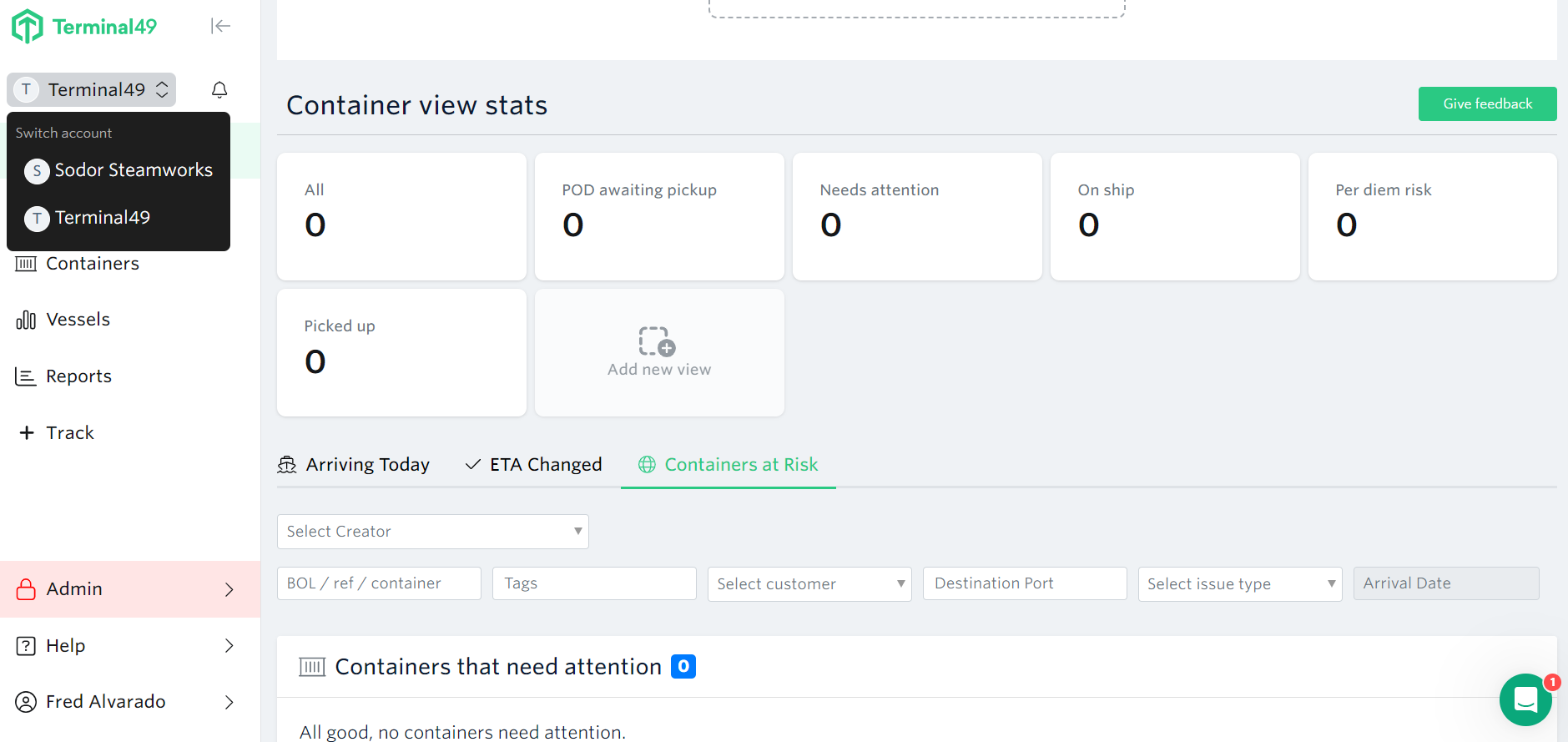
Things to note:
Users from any of your accounts will have access to all associated accounts.
Containers tracked in all associated accounts count towards billable totals.
Alternate accounts are only available with paid Terminal49 plans and are not available during the free trial.
Shipments sent in via email will be uploaded to the primary account
See next article: Navigating Home Page
Want a separate environment for development or testing purposes? The fastest way to get assistance is through our in-app chat. You can also reach us at support@terminal49.com.