Labeling Customers on Shipments
Last updated: April 15, 2026
Whether you're using the Terminal49 dashboard to individually add shipments, using the bulk upload tool, or email upload, you can associate Customers to your shipments to better organize your data and share customized views with your customers.
Why use the Customer field?
Using the Customer field to denote the customer allows you to filter and group your shipments by customer. You can also create customized lists of your customers' containers and share that with them using the Containers dashboard.
How does this differ from the other available fields?
If something applies to multiple shipments (e.g. a regional office), you'll want to submit that as a Tag
Reference Numbers are meant to be unique to the shipment (e.g. a PO number) whereas Tags are a way to sort/filter/group multiple shipments together.
How to Add a New Customer
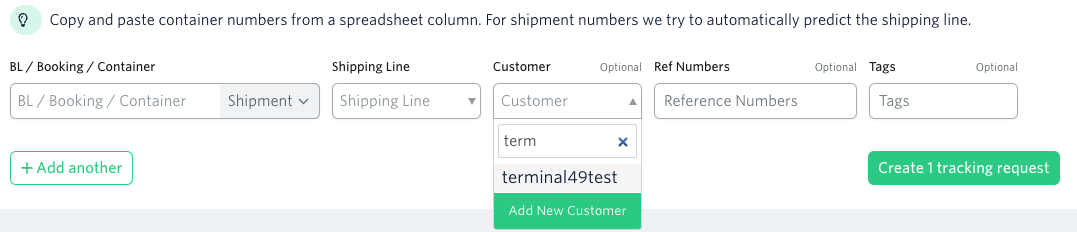
When tracking shipments one at a time, type your customer's name in the Customer field. If you have used the customer name before, it will pop up for you! Hit
Enteror click theAdd Newbutton to add a new customer to the list.
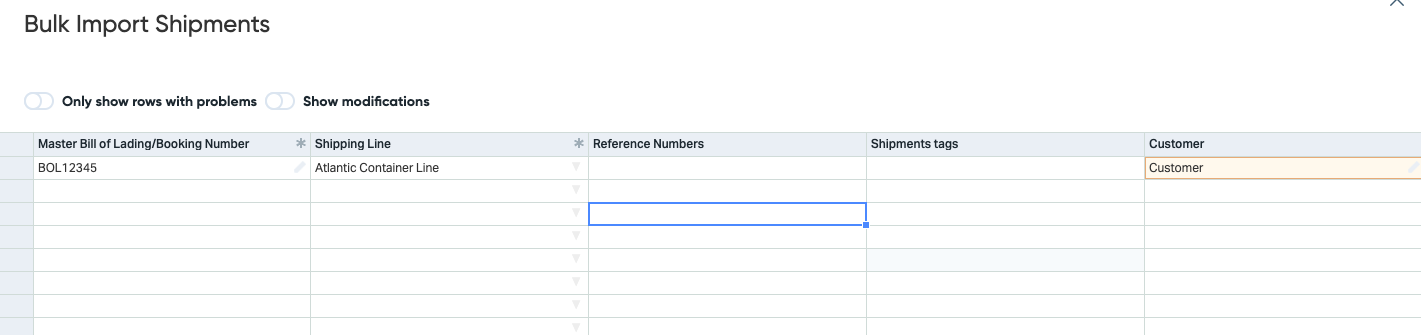
2. When importing your shipments via CSV, make sure to fill in the Customer column, and the dashboard will tell you if we found a match. If the Customer name is highlighted yellow, it will create a new customer record.
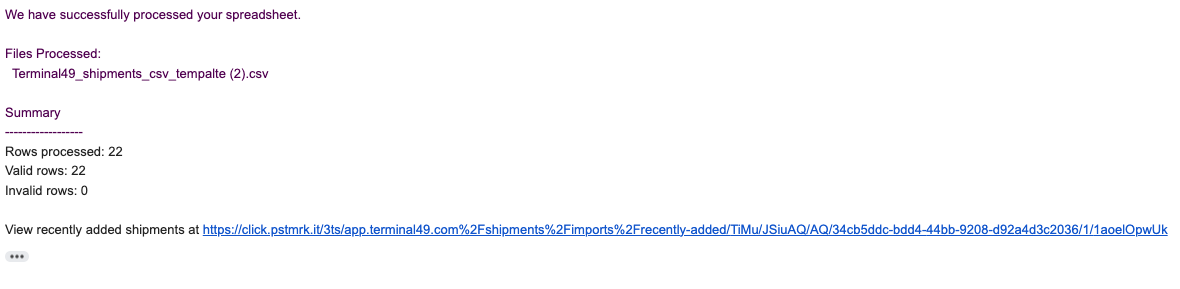
3. When using the email import feature to create shipments, Terminal49 will automatically create any new customer records for you. You will get an email confirmation your shipments were created.
How to Update Customer Name On Shipments
Select your shipment from the Shipments screen.
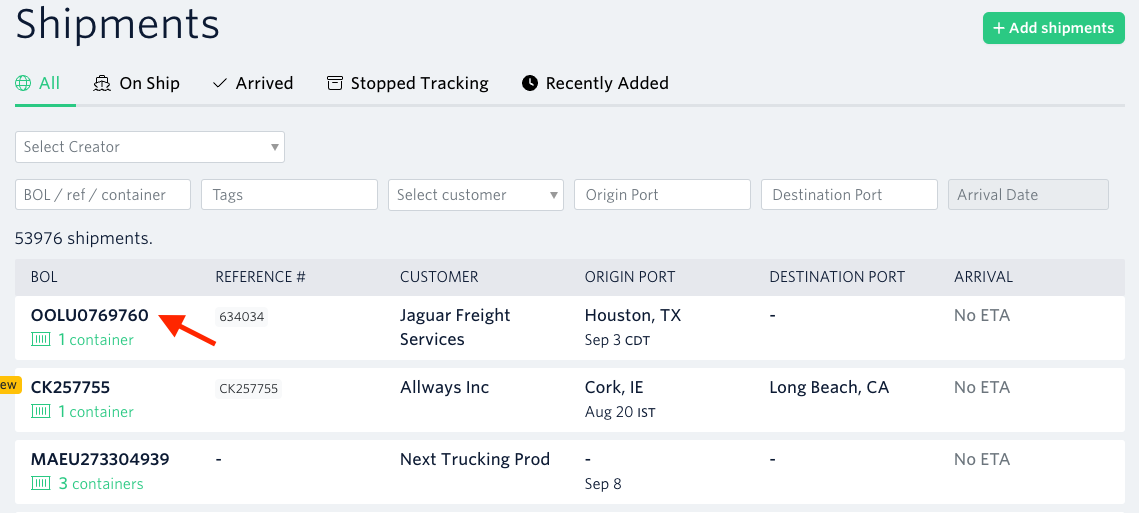
On the Shipment Detail screen, select the
EditButton..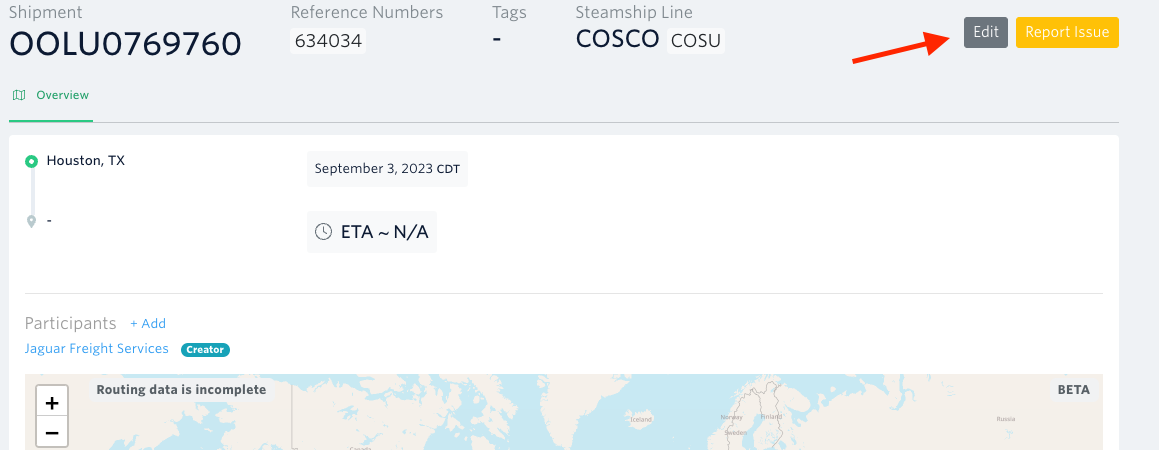
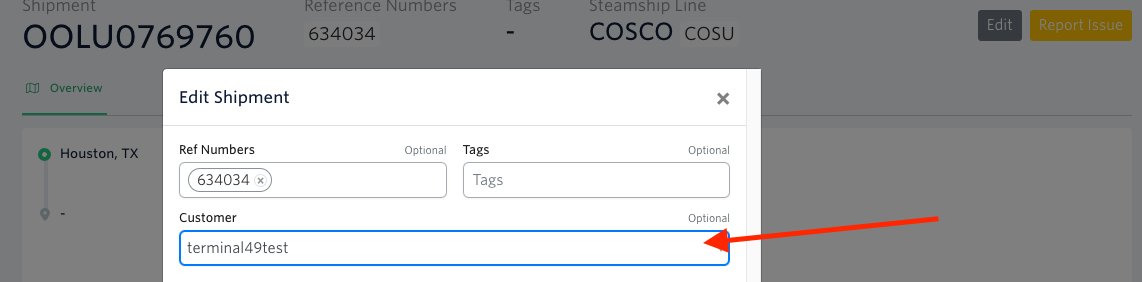
On the edit screen, drop down the Customer menu and select the correct customer, or type in a customer name to add a new record.
See next article: How to Edit Container Size
If you need help with adding/editing customer names on your shipments or have any other questions, the fastest way to get assistance is through our in-app chat. You can also reach us at support@terminal49.com.