Cargo & Equipment Tab
Last updated: April 29, 2025
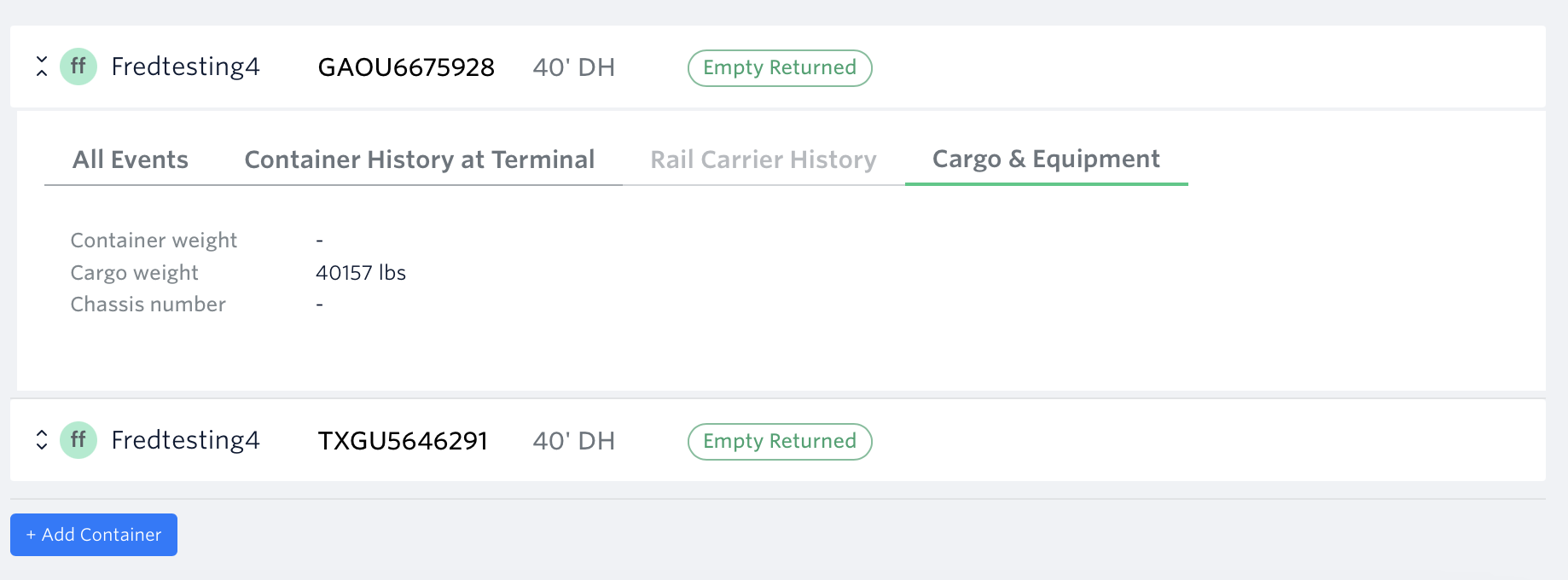
Cargo & Equipment Tab provides detailed information about your container, including important aspects such as the container weight, cargo weight and chassis number.
How To View Cargo & Equipment Data:
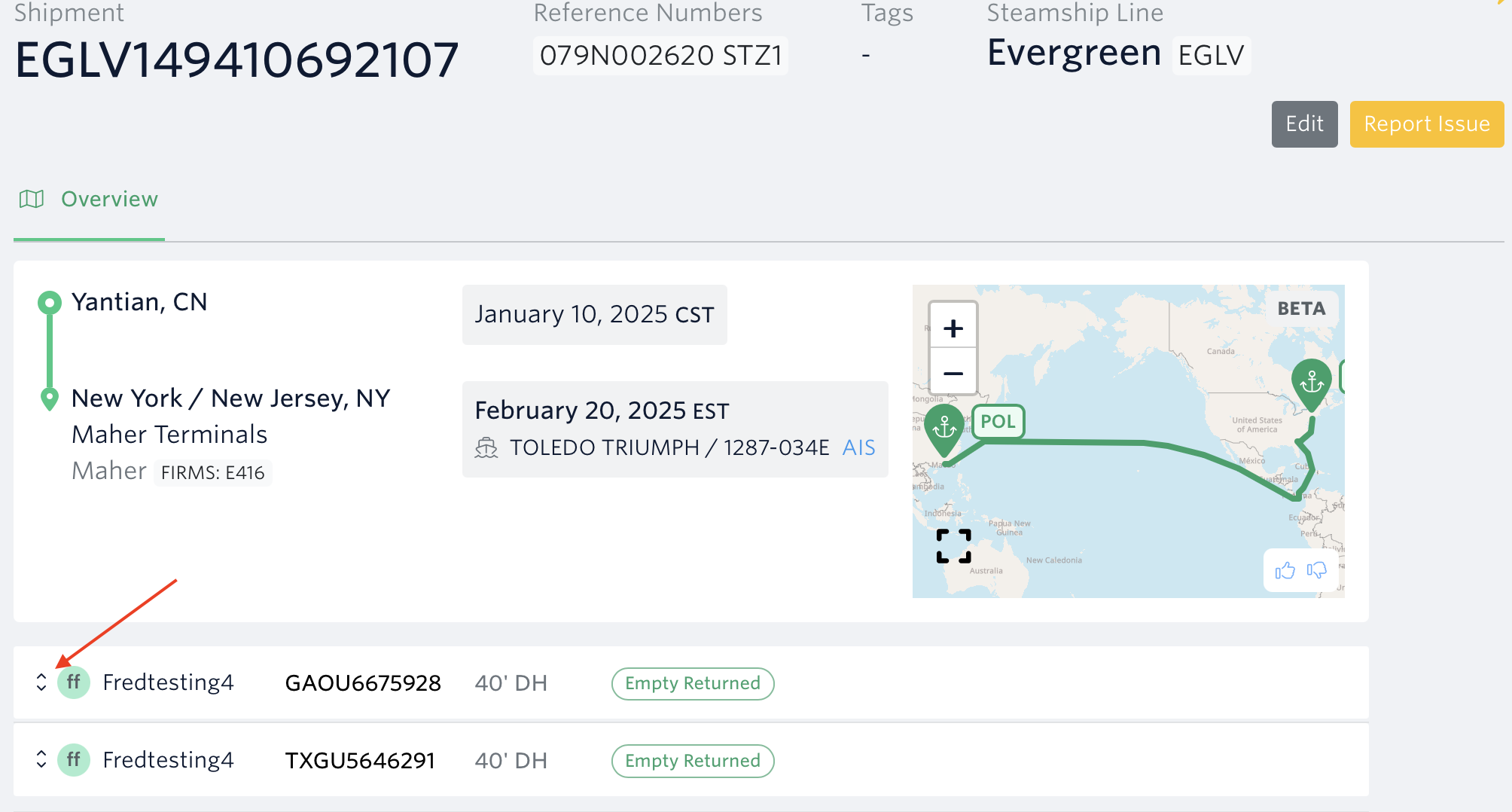
1.) Open the shipment's page > Toggle the arrow button for the selected container number
2.) Go to Cargo & Equipment Tab
See next article: Container Milestones Definitions
If you need help with your Cargo & Equipment data or have any other questions, the fastest way to get assistance is through our in-app chat. You can also reach us at support@terminal49.com.