Sharing Container Views
Last updated: April 16, 2026
The Containers dashboard allows you to share custom views with individuals who need access, without requiring a login.
How To Share Container Views
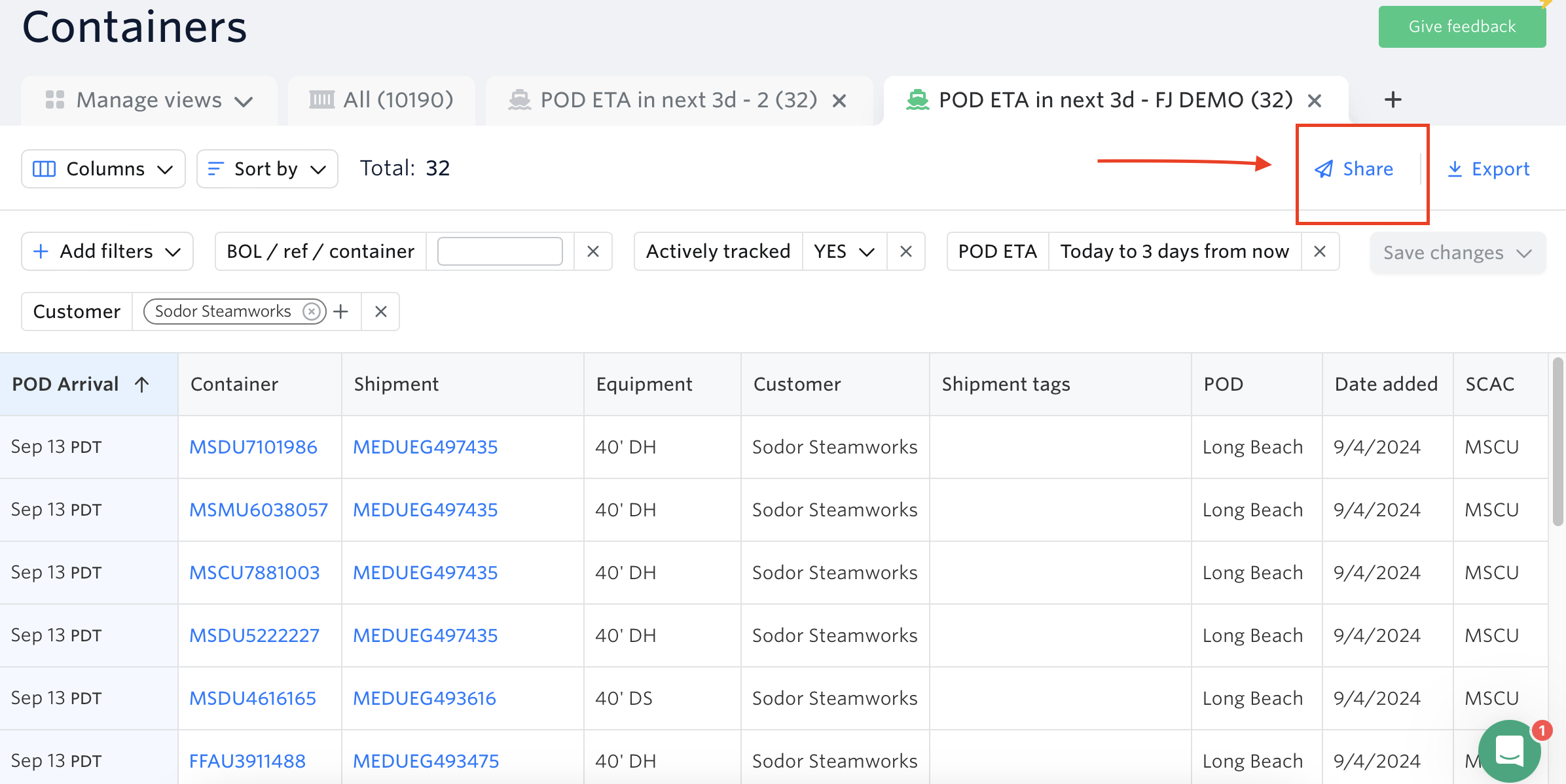
Click the share button.
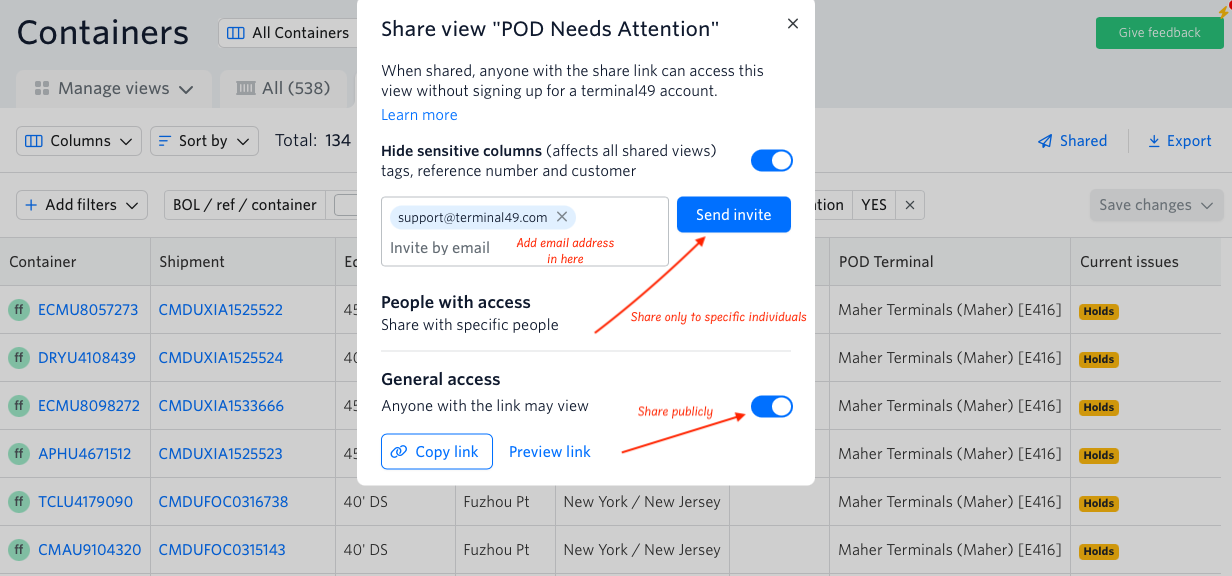
Share publicly by enabling access, hiding sensitive data (optional), and copying the link — or share with specific individuals by entering an email address and clicking Send Invite.
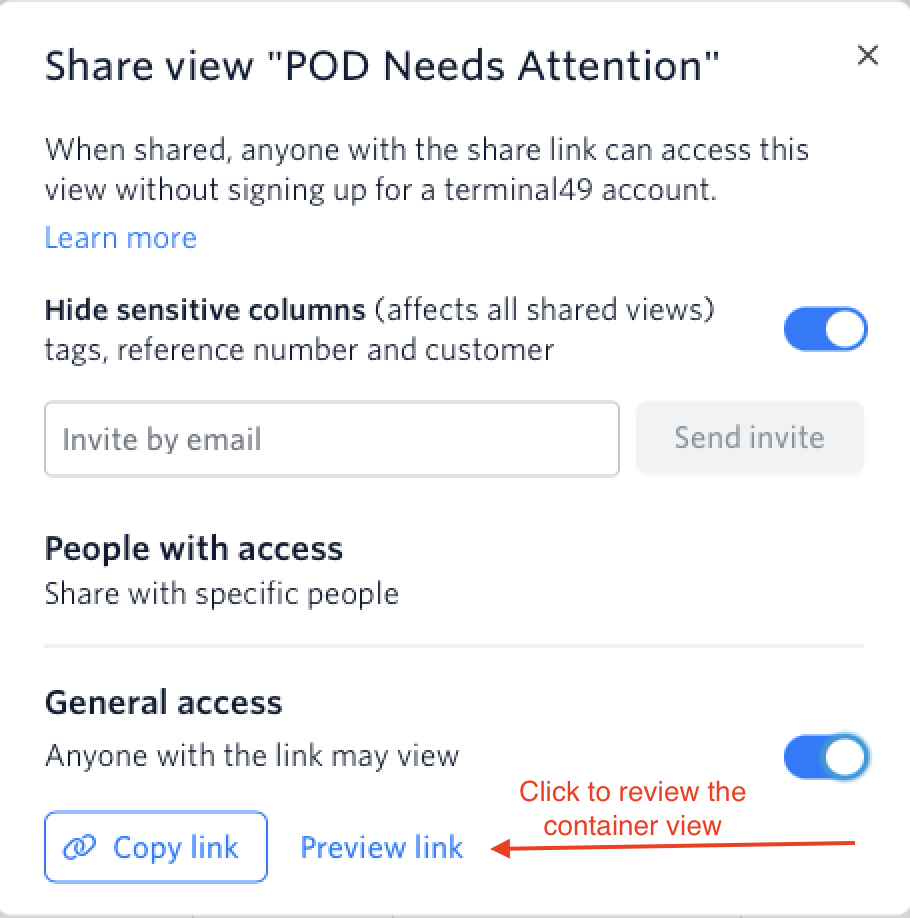
Make sure to review the link before sharing it.
The recipients won't be able to edit the shared view.
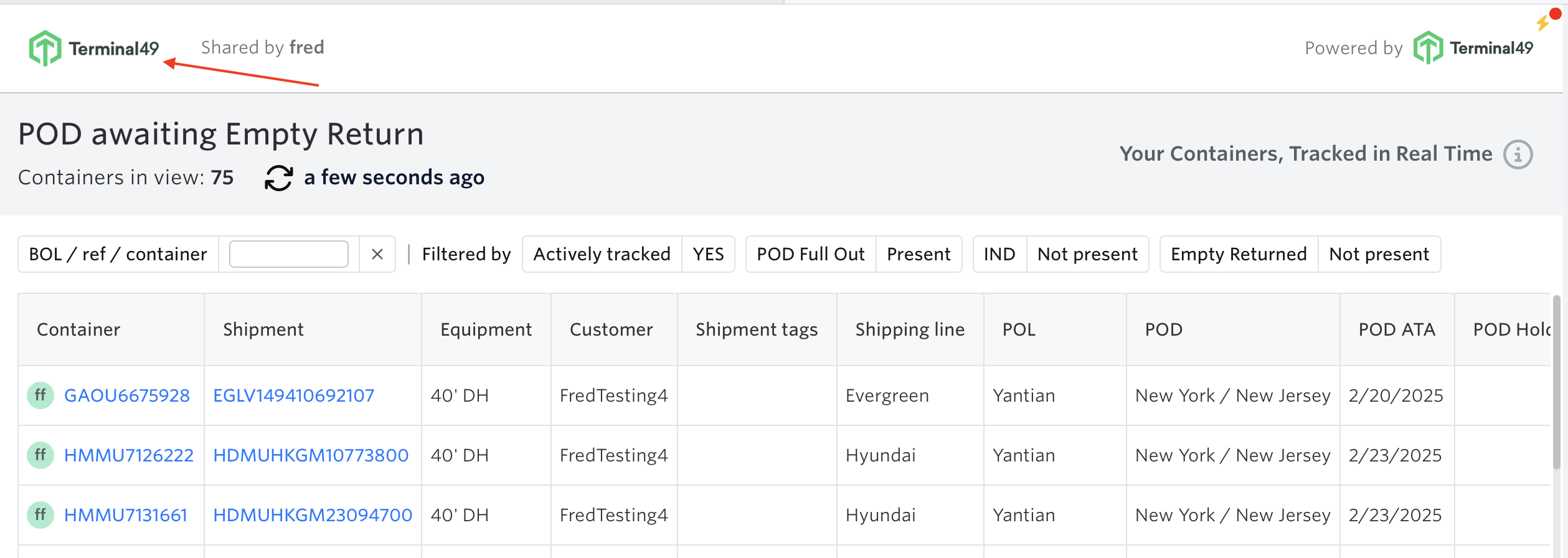
How the Shared View Appears to Recipients
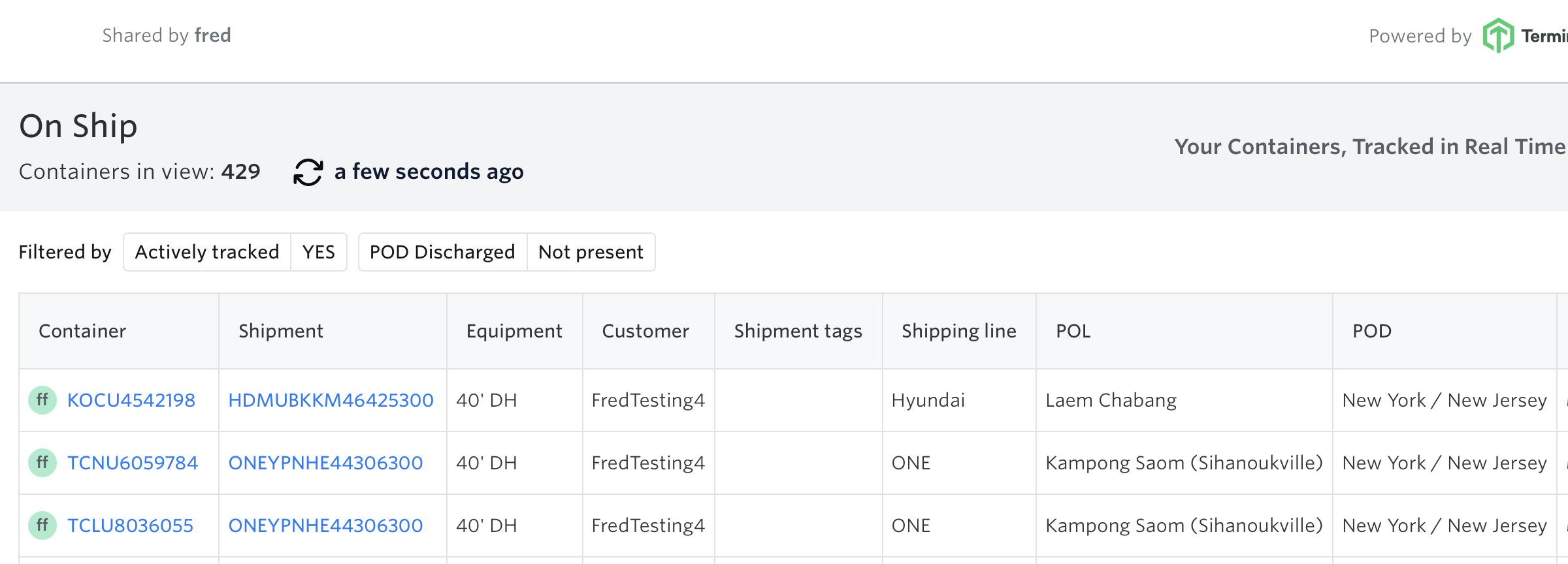
Shared Logo
We included your logo in the container views to elevate your brand presence with your customers and partners. Your company logo is automatically added to the shared views for a professional, branded look.
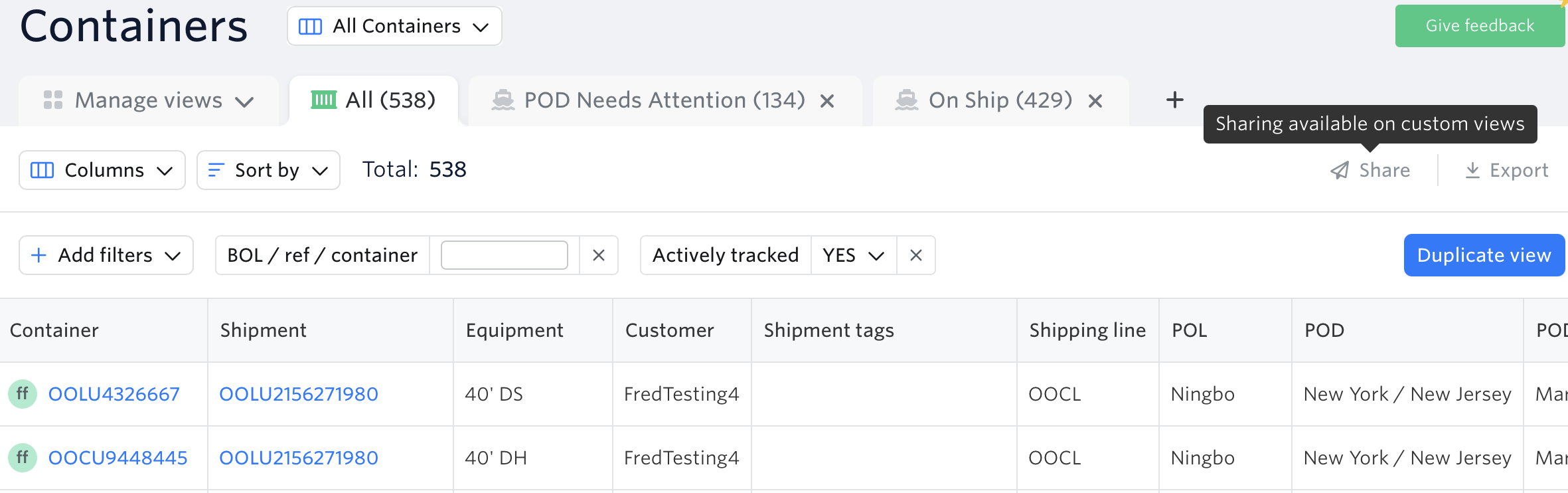
Note: You cannot share or export the preset 'All' container view. Sharing and exporting are only available for custom views.
Important Limitations
Shared views provide read‑only access only. There is no feature to transfer or clone your custom views into another user's account. If team members need their own copy of a view with the same filters and settings, they must manually recreate it in their own account. For instructions on creating custom views, see How to Customize Container Views.
Frequently Asked Questions (FAQ)
Can recipients edit or modify the shared container view?
No. Shared views are read-only. Recipients can view the data but cannot make any changes.
Can I share the preset 'All' container view?
No. You can only share and export custom views. The preset 'All' view is not available for sharing or exporting.
Can a team member get their own copy of my custom view?
There is no feature to transfer or clone a custom view to another user's account. Team members must manually recreate the view with the same filters and settings in their own account.
Do recipients need a Terminal49 login to view the shared view?
No. Shared views can be accessed without a Terminal49 account. Recipients just need the shared link.
See related articles:
How to Customize Container Views
If you need help in sharing container views or have any questions, the fastest way to get assistance is through our in-app chat. You can also reach us at support@terminal49.com.