Can I Delete A Shipment?
Last updated: October 1, 2026
At this time, Terminal49 cannot safely delete a shipment unless there is an existing tracking request through a different bill of lading, booking number, or container number.
If you no longer need to track a shipment, you can stop the tracking so you no longer receive updates about it. Free accounts cannot delete shipments or manually stop tracking shipments or individual containers; stop tracking is available on paid plans.
How to Stop Tracking a Shipment
Navigate to the shipment's page.
Click the Stop Tracking button at the bottom of the page.
For a detailed step-by-step guide, visit the How to Stop the Tracking of a Shipment article.
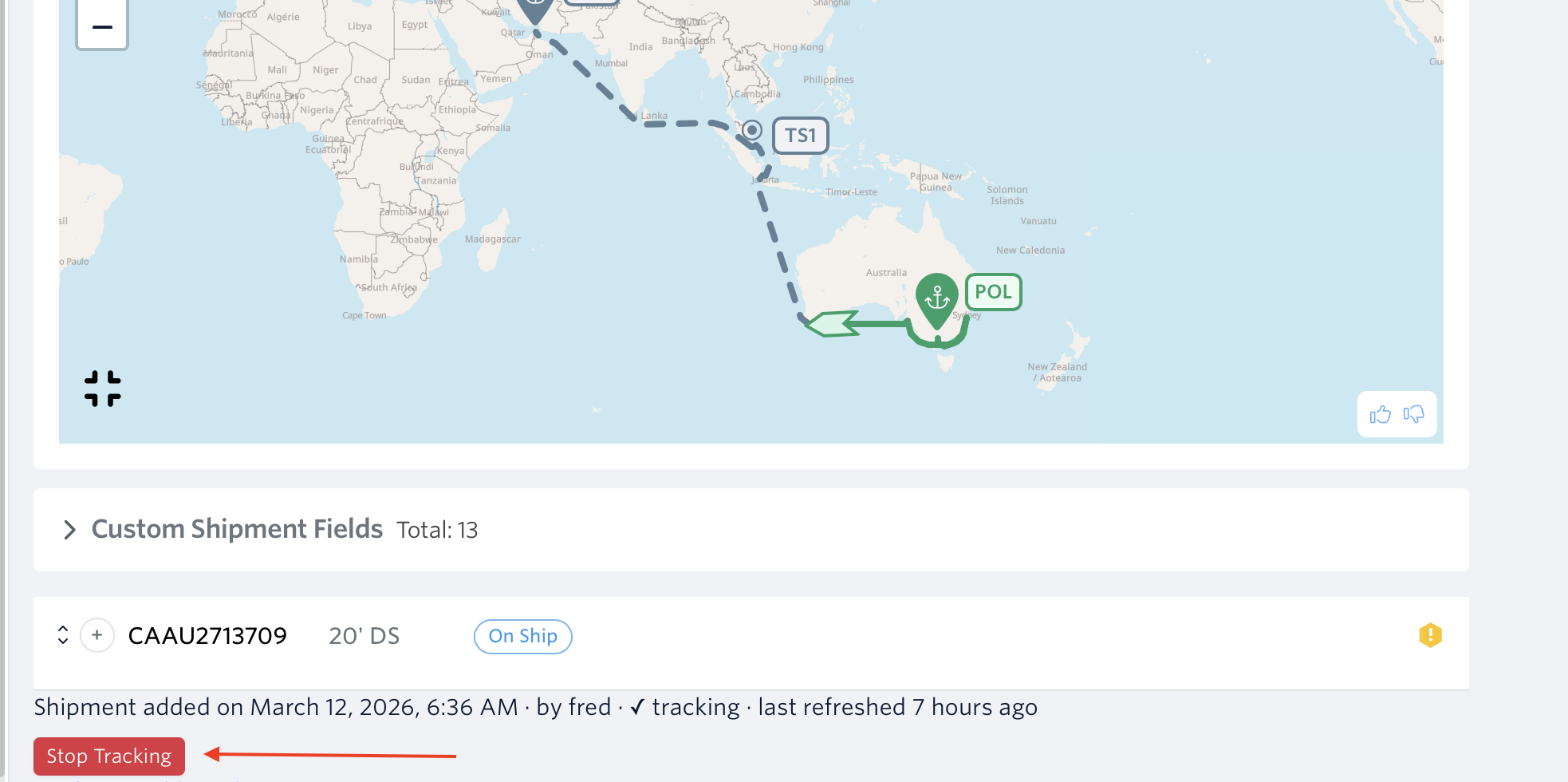
Screenshot showing the Stop Tracking button at the bottom of a shipment's page.
Need More Help?
If you need help or have any other questions, the fastest way to get assistance is through our in-app chat. You can also reach us at support@terminal49.com.