Managing Container Views
Last updated: June 18, 2025
The Manage Views tab provides an easy access to all the container views you’ve created, along with existing templates that you can use to create new container views tailored to your unique workflows.
My Views
This section under Manage Views Tab shows you the list of all container views you've created. You can also edit the names of the container views, and open or close them from here.
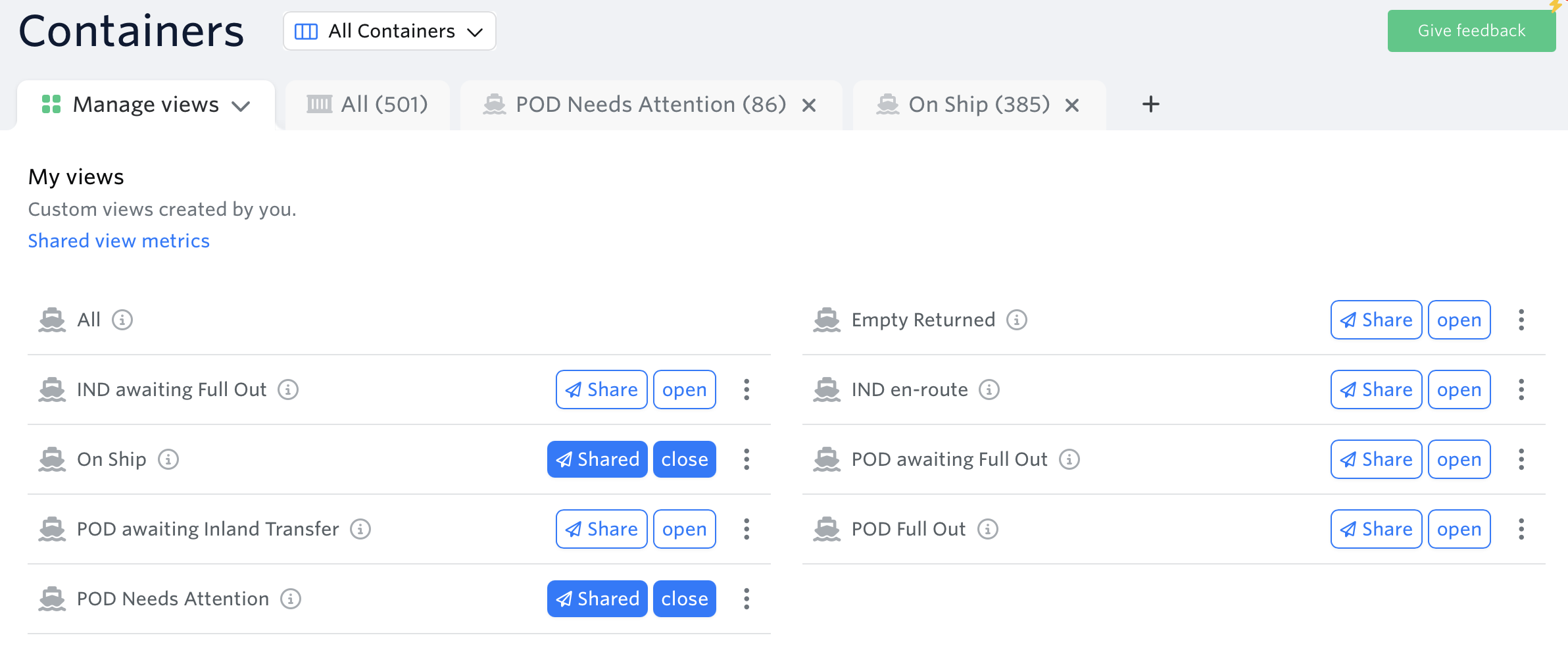
You can visit this article for more information about Shared View Metrics.
How to use My View:
Pre-built templates
We have created templates based on common workflows that you can use to create container views, instead of starting from scratch.
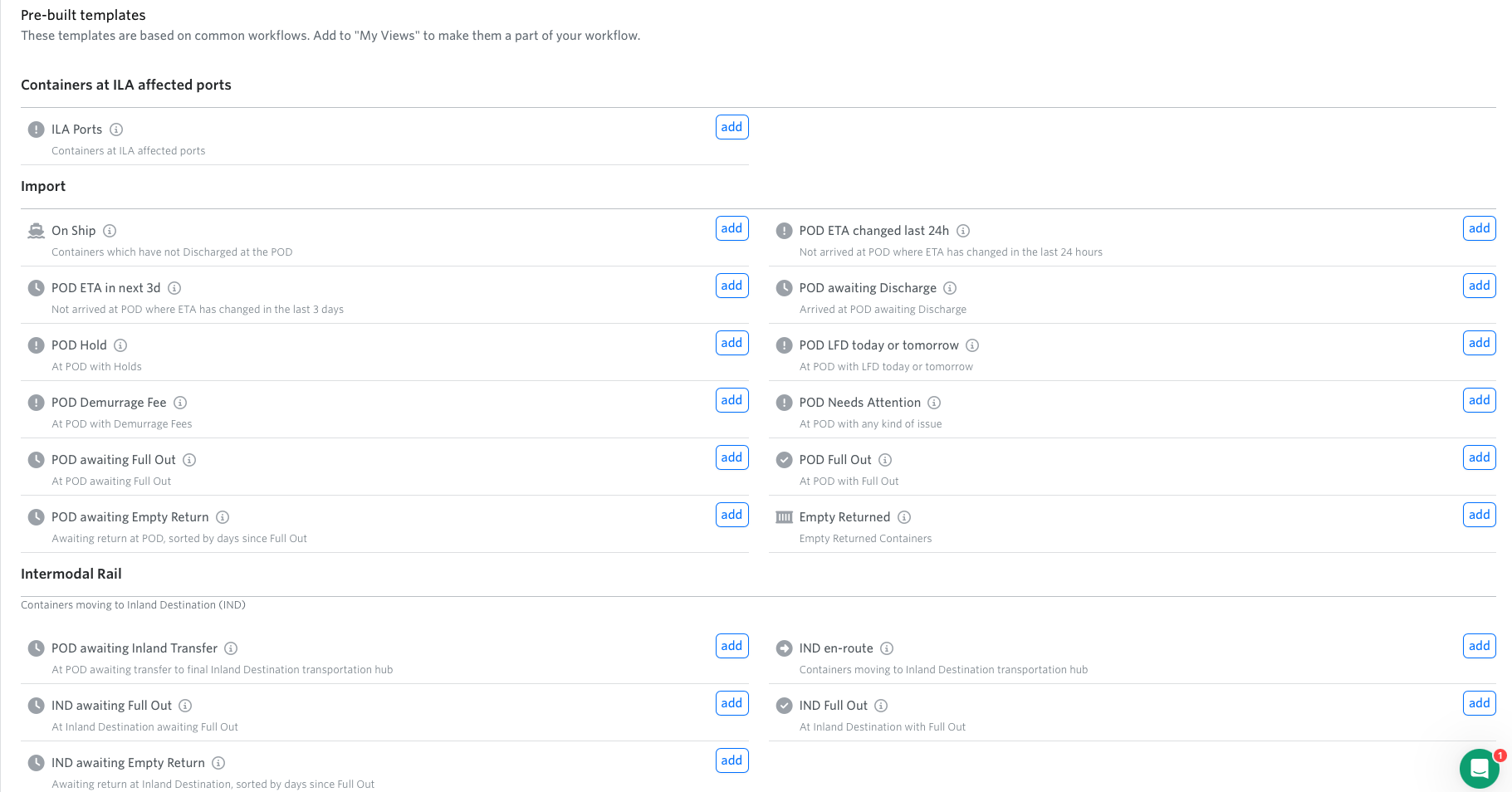
Below is the list of different categories of pre-built templates:
See next article: How to Customize Container Views
If you need help with your container views or have any other questions, the fastest way to get assistance is through our in-app chat. You can also reach us at support@terminal49.com.